JPEG to PNG Converter
Free JPG to PNG converter that supports HEIC, GIF, WebP and preserves quality.
Drop JPG images
Convert to PNGJPEG to PNG Conversion: The Essentials
In the digital landscape, understanding image formats is crucial, especially for professionals in graphic design, web development, and digital media. One common necessity is converting JPEG images to PNG format. This article will guide you through the process, highlighting the benefits of each format and when it makes sense to convert your images.
Introduction to Image Formats
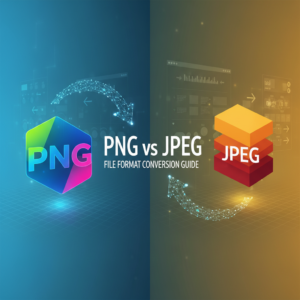
JPEG (Joint Photographic Experts Group) and PNG (Portable Network Graphics) are two of the most widely used image formats today. Each serves distinct purposes in the realm of digital visuals, appealing to specific needs and technical requirements.
What is JPEG?
JPEG is a lossy image compression format. It reduces file size by discarding some image data, which is why it’s commonly used for photographs where smaller file sizes are desirable without a significant loss of visual quality. JPEG supports a range of colors and is particularly effective for rich photographic images.
What is PNG?
In contrast, PNG is a lossless compression format, retaining all image data. This allows for higher quality visuals and supports transparency, making it an excellent choice for sharp graphics, logos, and images with text where clarity is paramount. The PNG format is also favored in web design and digital marketing due to its adaptability and visual fidelity.
Why Convert JPEG to PNG?
Converting JPEG to PNG can be advantageous in various professional settings. Here are some key reasons for making the switch:
- Lossless Compression: PNG maintains full quality, ideal for graphics where clarity is required.
- Transparency Support: PNG allows for transparent backgrounds, which is useful for logos and graphic overlays.
- Greater Editing Flexibility: PNG files are better suited for extensive editing without quality degradation.
When is PNG More Beneficial?
Though JPEG is widely used, certain scenarios highlight the advantages of PNG:
- Web Design: When designing websites, PNG images ensure transparency and crispness in graphics.
- Logos and Branding: High-quality logos benefit from PNG’s clarity and transparency, making them versatile across various media.
- Content with Text: PNG is suitable for images containing text as it provides better clarity and legibility.
How to Convert JPEG to PNG
Step-by-Step Conversion Guide
Using tools like OmniTools makes the conversion process straightforward. Follow these steps to convert your JPEG images to PNG:
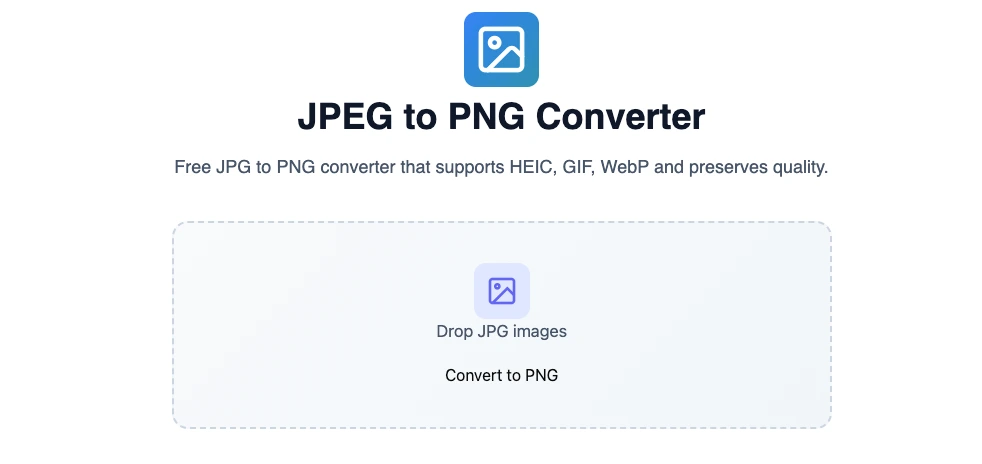
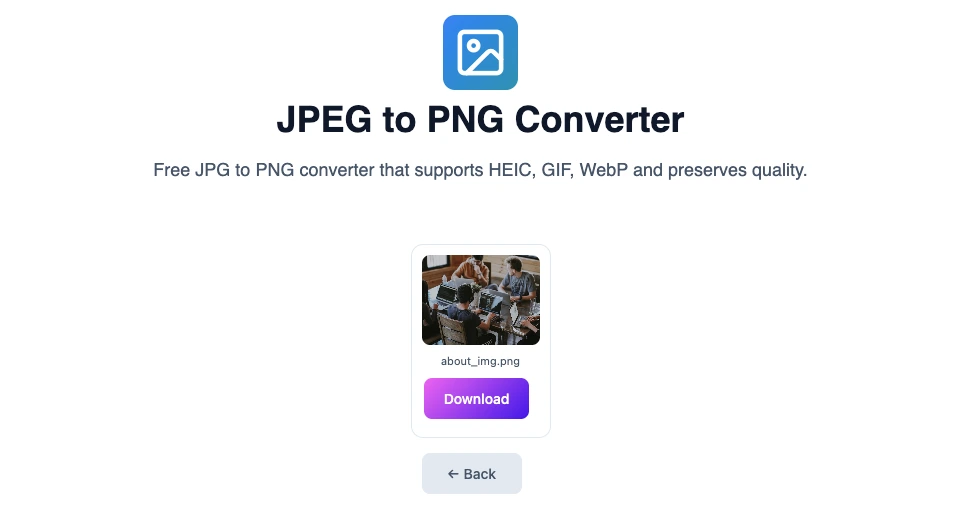
- Visit https://omnitools.pw/ and locate the JPG to PNG converter tool on the website.
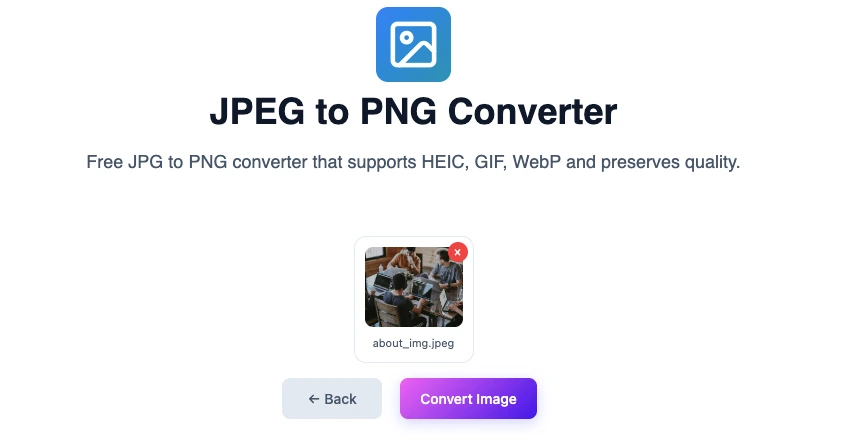
Upload your JPEG file by either clicking the “Upload” button or by drag and drop the JPEG file to convert.
- Once uploaded, click the “Convert Image” button to initiate the conversion.
- After the conversion completes, download your new PNG image.
- Multiple or bulk JPEG images can also be converted to PNG at one go.
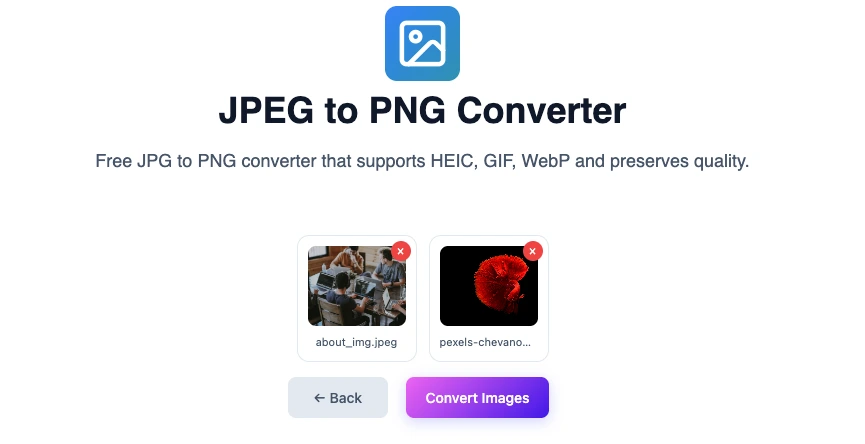
Select multiple JPEG images using the upload button or drag and drop multiple JPEG images together into the online image converter tool. - Once the files are uploaded, click the “Convert Images” button to process the image conversion.
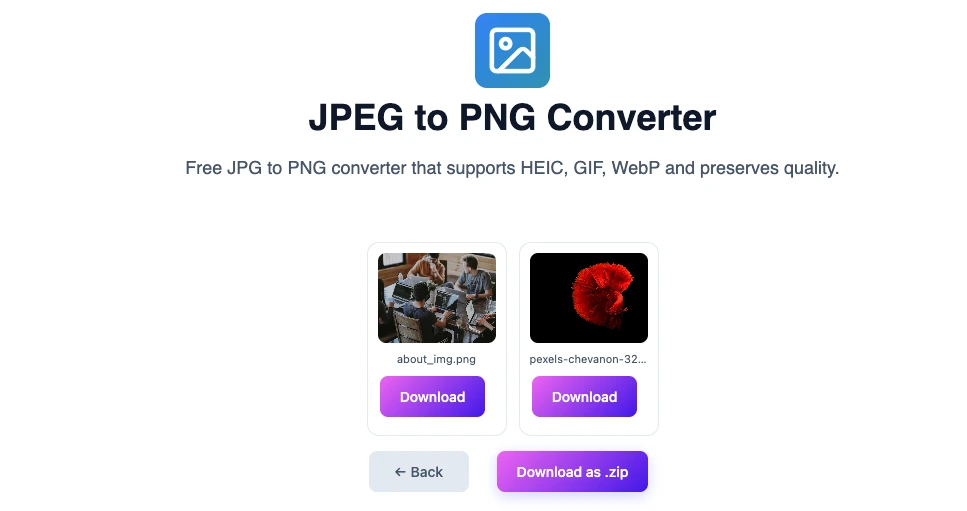
- Once conversion process completed, either individual image can be downloaded or all images can be downloaded as a zip archive.
Maintaining Image Quality During Conversion
To ensure a high-quality conversion from JPEG to PNG, it’s essential to follow best practices:
Best Practices for Quality Preservation
- Choose the Right Tool: Select a reliable online tool like OmniTools that guarantees quality.
- Avoid Resizing: Converting without resizing helps maintain the original quality.
- Color Space Settings: Ensure that the color profile remains consistent between formats to prevent color shifts.
Use Cases in Professional Settings
Conversion from JPEG to PNG is prevalent in many professions. Below are examples illustrating its importance:
Graphic Design Projects
Graphic designers often use PNG for creating visuals that require high clarity, especially logos and icons. For instance, a graphic designer may choose PNG for elements in a brochure where transparency and scalability are crucial.
Digital Marketing
Dynamically generated graphics for online campaigns often need to be in PNG to ensure they render sharply across devices. Marketers value PNGs because they retain quality, making brand logos stand out on various backgrounds.
Case Studies and Testimonials
Many professionals report significant improvements in their projects following the conversion from JPEG to PNG. For example, a web developer noted that using PNG for website graphics improved load times and visual appeal, leading to a higher user engagement rate.
FAQ
1. What is the difference between JPEG and PNG?
JPEG is a lossy compression format suited for photographs, while PNG is a lossless format preferred for graphics requiring high clarity and transparency.
2. Why should I convert JPEG images to PNG?
Converting to PNG maintains image quality, supports transparency, and is more favorable for graphics with text or logos.
3. Can I convert multiple JPEG images to PNG at once?
Many online tools, including OmniTools, offer batch conversion options for efficiency.
4. How does converting to PNG affect my image quality?
PNG preserves image quality since it is a lossless format; however, if the JPEG quality is low before conversion, the resulting PNG will also be low quality.
5. Are there any disadvantages to using PNG?
While PNG offers high-quality images, the file sizes can be larger compared to JPEG, which may not be ideal for web use where loading speed is critical.
6. How can I ensure the best quality when converting?
Use a reputable conversion tool, avoid resizing images, and maintain consistent color profiles during conversion.
7. What file types can I convert to PNG besides JPEG?
Many tools allow conversion from formats like BMP, GIF, or TIFF to PNG.
8. Is online conversion safe?
Using trustworthy platforms like OmniTools typically ensures secure file handling and privacy.
Conclusion & Summary
Understanding the differences between JPEG and PNG is essential for professionals who rely on digital images. The ability to convert JPEG to PNG unlocks new possibilities for enhancing image quality and versatility, especially in fields like graphic design and web development.
For future projects where image quality is paramount, considering PNG can significantly benefit your work. Utilize tools like OmniTools for seamless conversions and make the most of your digital images.
You may also like
Latest from the Blog
Tips, guides and tutorials to help you get the most out of our tools