Creating professional invoices is essential for any business, whether you run a freelance operation, a small-scale startup or a larger company. An invoice represents not only a request for payment but also serves as a record of transaction and professionalism. Luckily, with the availability of free invoice generators online, crafting a professional invoice can be straightforward and hassle-free. In this comprehensive guide, we will explore the importance of professional invoicing, break down the components of an invoice, and walk you through using a free invoice generator step-by-step.
Introduction to Invoicing
In today’s business environment, invoicing is more than just a formality. A well-structured invoice can enhance your credibility in the eyes of your clients and can help streamline your payment processes. Professional invoices detail the services or products provided and serve as a formal agreement on payment terms.
Let’s take a closer look at the significance of professional invoices in business and understand how free invoice generators can simplify this process.
Importance of Professional Invoices in Business
Professional invoices are critical for several reasons:
- Accountability: They provide a clear record of the services rendered or products sold, ensuring both parties are aligned.
- Legal Protection: An invoice serves as evidence of a transaction, which is important for tax purposes and any potential disputes.
- Branding: Custom invoices with your logo and brand colors increase brand recognition.
- Efficiency: With organized invoices, you can track payments and outstanding amounts easily.
Overview of Free Invoice Generators
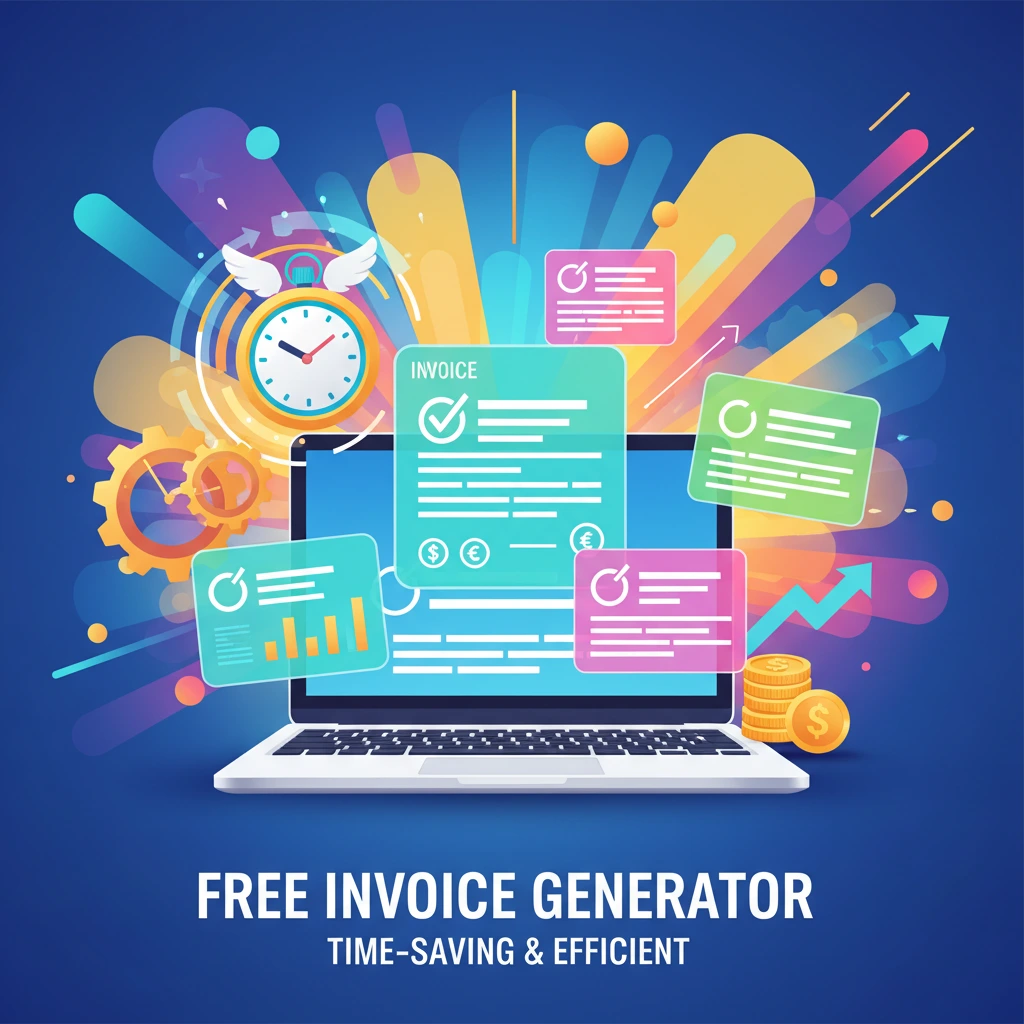
Free invoice generators are online tools that help individuals and businesses quickly create invoices without needing advanced knowledge of accounting or design software. They usually allow customization, making your invoice look professional instantly.
Understanding Invoice Components
Next, let’s dive into the typical components included in an invoice. A well-structured invoice consists of several key elements:
Key Elements of an Invoice
- Date: The date when the invoice is issued.
- Invoice Number: A unique identifier for tracking purposes in future.
- Business Details: Your business name, address, tax information and contact information.
- Client Details: The client’s name contact information and tax information.
- Itemized List: A breakdown of products or services sold, including quantities and prices.
- Totals: Clear calculation of subtotals, taxes, and the total amount due.
- Payment Terms: Details on payment methods and deadlines for payment.
- Discounts : Any discounts you are offering to the client.
Understanding these components ensures you include all necessary information in your invoices leading to timely payments and professional dealings.
Choosing the Right Free Invoice Generator
With many free invoice generators available online, selecting the right one is crucial to your invoicing needs. Here are some criteria to consider:
Criteria for Selecting an Invoice Generator
- User-Friendly Interface: Make sure the generator is easy to navigate, especially if you’re new to invoicing.
- Template Variety: Look for a range of invoice templates that suit different business types.
- Customization Options: Check if you can add your branding elements like logos and color schemes.
- Cloud Storage: Ideally, your data should be saved in the cloud for easy access and security.
- Customer Support: Reliable customer service can make all the difference if you encounter issues.
Comparison of Popular Free Tools
Here’s a quick comparison of popular free invoice generators:
| Tool | Features | Pros | Cons |
|---|---|---|---|
| Omnitools | Fully customizable invoices. | 100% Free of charge, user-friendly | No Cloud Storage. Only Browser-level Storage. |
| Wave | Fully customizable invoices, accounting integration | Free of charge, user-friendly | Advanced features require payment |
| Invoice Generator | Simple templates, no registration required | Quick and easy to use | Limited customization |
| Zoho Invoice | Automation, custom templates | Comprehensive features at no cost | Can be overwhelming for beginners |
By evaluating these tools based on your needs, you can determine which invoice generator suits your business best.
Step-by-Step Guide to Creating an Invoice
Now, let’s get into the step-by-step instructions on how to create a professional invoice using omnitools free invoice generator.
Selecting your currency
Begin by selecting the currency your country transacting in. This will auto reflect all across your Invoice and also saved for your future use.
Selecting your Branding Color
Select your branding theme color that fits your business style.
Enter your Business Details
Enter your business details like : Branding Logo, Business Name, Email, Phone number, Business Address, VAT Number or GST number and State (If your business location is in India). Omnitools’ Free Online Tax Invoice Generator, allows auto save your business information in browser level storage for future use. Use the same browser for any future invoice generation, your business information & tax information along with your branding logo will be auto filled.
Inputting Details
This step involves adding necessary details. Here’s what to include:
- Client Information: Enter your client’s name and contact information accurately. Along with enter client’s Tax information (VAT / GST as per your country)
- Item List: Detail the services or products provided, specifying quantities and rates.
Customizing Invoice Settings
Once the invoice details are in, customize your invoice settings:
- Discount : If you want to offer discount to your client, mention the percentage (%) discount you will give on the total Invoice amount.
- Tax Calculations: If your business requires tax, include the tax rates applicable.
- Shipping Charges : If you want to change any Shipping amount from customer, enter the Shipping charges in the specified field.
- Payment Terms: Clearly state the payment methods accepted and the payment due date.
- Notes : If you have to mention any thank you note or some other notes, it can be mentioned in the notes field.
- Payment Link : The unique feature of Omnitools Free Online Invoice Generator is the payment link. Provide your unique payment link / UPI id which will be auto converted to QR code for easy collection of payment from customers.
Finalizing and Sending Your Invoice
With the invoice generated, it’s time to review and send it. Here’s what to do:
How to Review and Proofread Your Invoice
Always double-check your invoice for accuracy. Verify all figures, spelling, and contact details. An error in your invoice could lead to payment delays. Use the Save & preview button in Omnitools Invoice generator tool to preview / proofread your invoice before downloading it and sending to client.
Options for Sending Invoices
You can send invoices in various formats. Commonly, invoices are sent as PDFs, but many generators offer direct email options:
- Email Directly: Send the invoice directly from the generator to your client’s email as a PDF attachment.
- PDF Format: Download the invoice as a PDF and send it via your email application or via whatsapp as an attachment.
Best Practices for Invoicing
To ensure timely payment and maintain professional relationships with clients, follow these best practices:
Tips for Ensuring Timely Payments
- Set Clear Payment Terms: Be explicit about your payment terms in your invoices.
- Send Invoices Promptly: Don’t delay in sending your invoice after providing services or products.
- Follow Up on Outstanding Invoices: Politely remind clients of approaching or overdue payments.
Importance of Follow-ups and Reminders
Sending friendly reminders can significantly enhance the likelihood of receiving your payments on time. Set reminders for yourself to ensure follow-ups occur at appropriate intervals.
Conclusion
Creating professional invoices doesn’t have to be a daunting task. With the right tools, you can easily produce well-structured invoices that reflect your skills and professionalism. Utilizing free invoice generators effectively will save you time and reduce complexities in your invoicing process.
Remember to always include all necessary details and follow best practices for invoicing. Start today by testing a free invoice generator and take control of your invoicing!
Frequently Asked Questions
How do I create an invoice using a free tool?
To create an invoice using a free tool, choose an invoice generator like Omnitools Free Invoice Generator, select a branding color, fill in your details such as your business name, client information, itemized services, and payment terms, and then save or send the invoice directly.
What are the components of a professional invoice?
A professional invoice typically includes the date, invoice number, vendor and client details, itemized list of services or products, total amount due, and payment terms. Every element ensures the invoice is clear and professional.
Are free invoice generators reliable?
Yes, many free invoice generators are reliable and user-friendly, especially for small businesses and freelancers. However, it’s advisable to choose well-reviewed and reputable platforms to ensure your data is secure. Omnitools Invoice generation tool offers no saving of data in teh cloud. It only saves data in your browser’s localstorage. So, there is 100% secure to use this free invoice tool.
What should I include in an invoice?
In an invoice, you should include your business name and logo, client details, description of services rendered, unit prices, totals, due date, and preferred payment methods to ensure clarity.
How can I send my invoice?
You can send your invoice in a few ways: directly from the invoice generator via email, as a downloadable PDF, or through physical mail if necessary. Choose a method that suits your client’s preferences.
What are the common mistakes in invoicing?
Common mistakes in invoicing include clerical errors, not including payment terms, missing invoice numbers, and not following up on unpaid invoices. Such mistakes can delay payments and cause confusion.